
Transitions
Crossfades
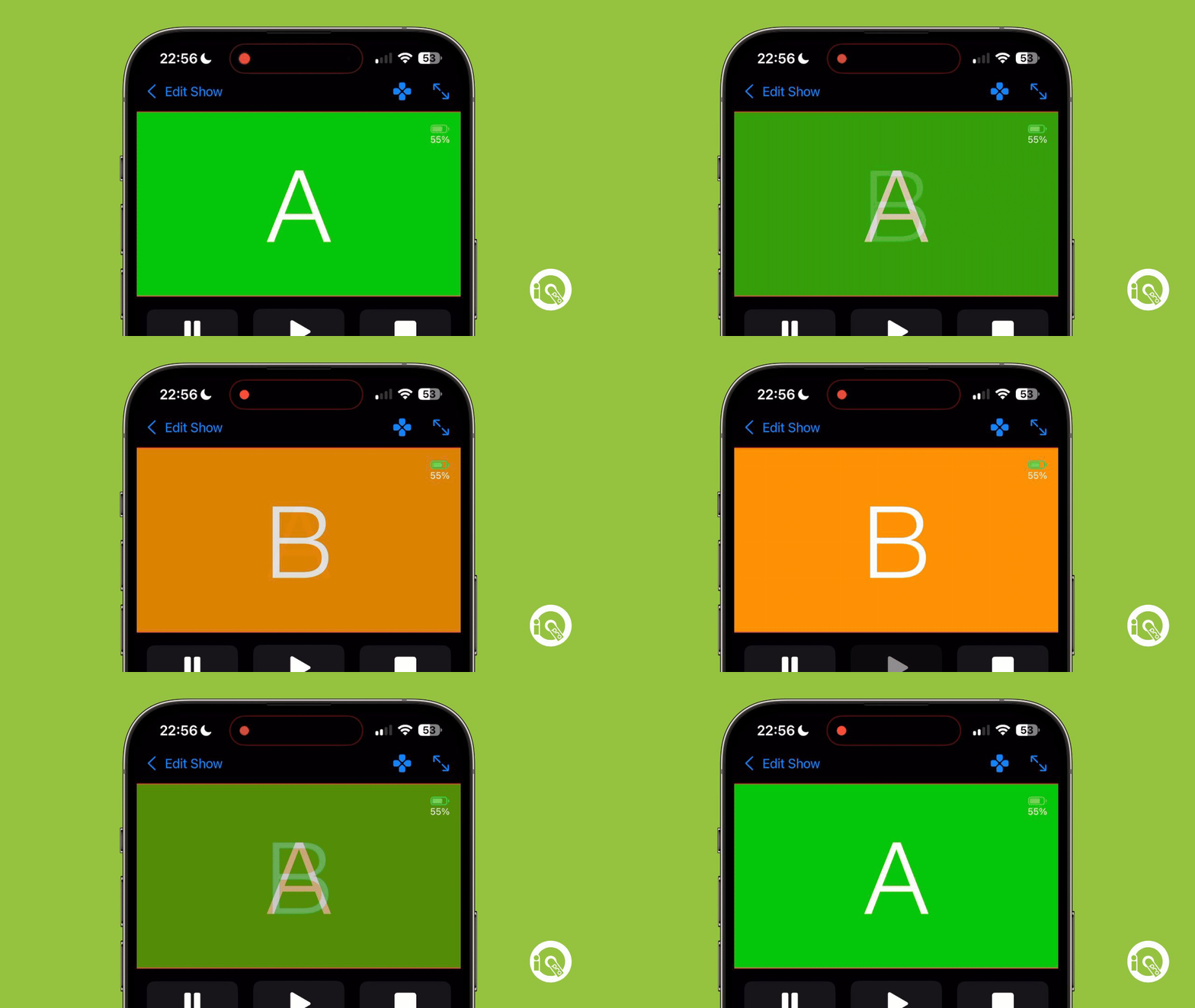
One of the best ways to transition between your cues is called a Crossfade, essentially it fades out the first cue whilst simultaneously fading in the second cue resulting in a beautiful transition like this:
Setting up
To implement this transition into your show you first need to add two cues together that are either audio cues or visual cues (something that appears on your external display such as a projector, monitor or video wall). Once you've added two cues into your cue stack then you can press on the Transition button to show all available transitions

Select the Crossfade transition, then you'll need to hold down on the new transition cue and drag it to be inbetween the two cues like this